What Is an Onion Link and Why Download Them
An onion link is a .onion address that routes traffic through multiple Tor relays, encrypting your connection and hiding your IP address. These addresses are long alphanumeric strings ending in .onion, generated by Tor hidden services. Downloading or collecting onion links means gathering verified addresses from trusted directories or sources before opening them in Tor Browser. This practice protects you because you avoid typing addresses manually (which introduces typos and phishing risk) and you can verify the authenticity of a link before accessing it. Onion links serve legal purposes: accessing news mirrors, privacy-focused communication platforms, and information archives. Understanding what an onion link is helps you distinguish legitimate hidden services from phishing clones designed to steal credentials or compromise anonymity.
How Tor Routing and Onion Addresses Work
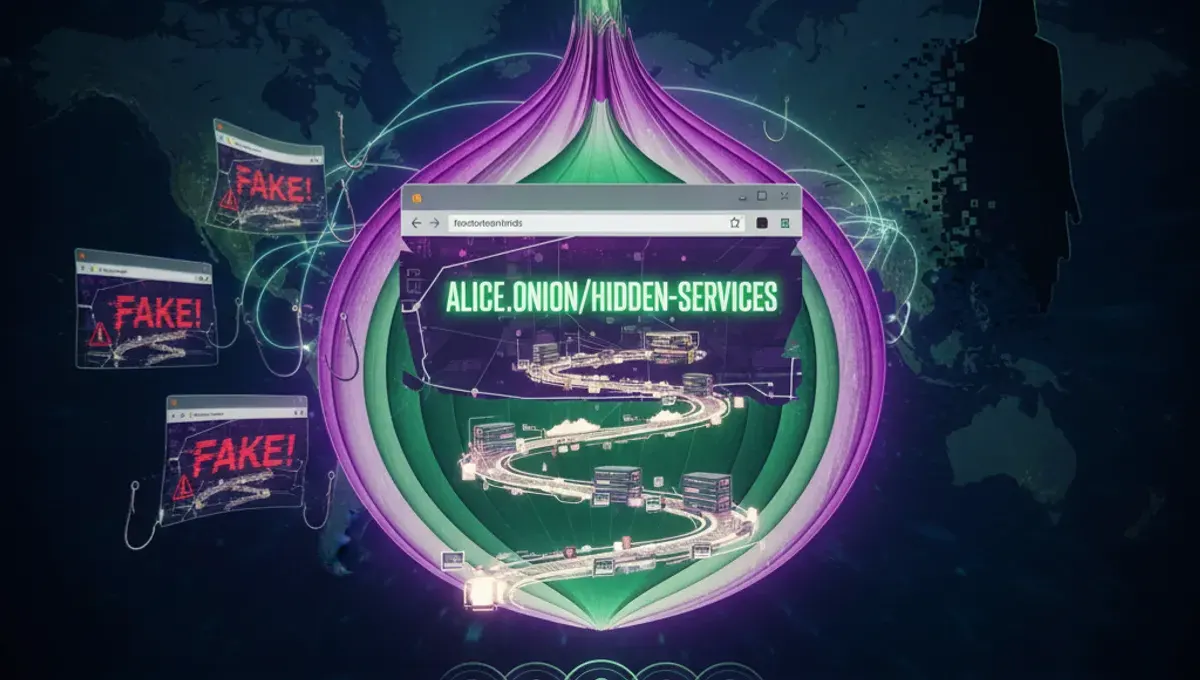
When you access an onion website link through Tor Browser, your traffic is routed through at least three Tor relays before reaching the hidden service. Each relay decrypts one layer of encryption (like peeling an onion, hence the name), revealing only the next relay's address. The final relay connects to the onion service without knowing your real IP. Onion addresses are derived from the hidden service's public key, making them cryptographically tied to that service. V3 addresses (the current standard) are 56 characters long and offer stronger security than older v2 addresses. This architecture means that even the onion service operator cannot determine your location or identity. When you download an onion link from a directory, you're obtaining an address that has been verified to route to an actual hidden service, reducing the risk of connecting to a fake or malicious clone.
Finding and Downloading Verified Onion Links
Verified onion links are best obtained from established directories that regularly check uptime and authenticity. These directories maintain lists of working .onion sites, onion website links, and mirrors, testing them to confirm they respond and are not phishing clones. To download onion links safely:
- Visit a reputable onion directory through Tor Browser.
- Search for the service or category you need.
- Note the v3 address and any associated PGP signature or verification hash.
- Cross-reference the address with multiple sources if possible.
- Copy the address directly into Tor Browser's address bar rather than clicking links. Directories often provide additional metadata such as last-verified timestamps, descriptions, and mirrors. Some directories also host alphabay onion link archives, briansclub onion link records, and other historical data for research purposes. Never download onion links from untrusted forums, social media, or unverified GitHub repositories, as these frequently contain phishing clones.
How to Securely Open Onion Links in Tor Browser
Opening an onion link safely requires proper Tor Browser configuration and awareness of common mistakes. Step-by-step process:
- Download Tor Browser from the official Tor Project website only.
- Install and launch Tor Browser, allowing it to connect to the Tor network.
- Wait for the connection to complete (the onion icon will show a green checkmark).
- Paste the .onion address into the address bar.
- Press Enter and wait for the page to load. Do not open multiple tabs to different onion sites simultaneously on your first visit, as this can correlate your traffic. Disable JavaScript in Tor Browser settings if you are accessing sensitive services. Do not maximize your browser window, as this can reveal your screen resolution to the website. Do not enable plugins or extensions unless absolutely necessary. When opening onion website links, expect slower load times due to Tor routing. If a page fails to load, the service may be offline or the address may be incorrect. Always verify the address matches your source before proceeding.
Distinguishing Genuine Onion Mirrors from Phishing Clones
Phishing clones are fake onion sites designed to mimic legitimate services and steal login credentials or personal data. Genuine onion links can be verified using several methods:
- Check the onion address against multiple trusted directories.
- Verify PGP signatures if the service publishes them.
- Look for HTTPS certificates (though .onion sites often use self-signed certs).
- Compare the page layout and content with archived versions.
- Check for spelling errors or unusual domain variations. Legitimate services publish their official onion addresses on their clearnet (regular internet) sites or through official channels. If you encounter an onion link that claims to be alphabay onion link or briansclub onion link but these services are no longer operational, the address is almost certainly a phishing clone. Phishing clones often have slightly altered addresses (e.g., one character different) or redirect you to credential entry pages immediately. If a site asks for credentials you did not initiate, close the tab and verify the address again. Cross-referencing multiple sources is the most reliable way to confirm authenticity.
Common Mistakes That Compromise Anonymity
Several mistakes can undermine the anonymity provided by Tor and onion links. Do not resize your Tor Browser window to fit your screen exactly, as websites can use JavaScript to detect your screen resolution and correlate your identity across sessions. Do not use the same username or email across multiple onion sites, as this creates a linkable identifier. Do not enable plugins, Java, or Flash, as these can bypass Tor and leak your real IP. Do not open onion links in regular browsers or with VPN extensions enabled alongside Tor, as this creates conflicting routing and may expose your traffic. Do not maximize your browser or use fullscreen mode. Do not enable plugins or extensions that track your behavior. Do not visit clearnet sites while connected to Tor if you are logged into personal accounts, as this links your Tor activity to your real identity. Do not assume that using Tor makes you anonymous if you voluntarily provide identifying information. Do not download files from untrusted onion sites without scanning them in a sandboxed environment. Anonymity requires discipline and awareness of how metadata and behavior can be correlated.
Comparing Tor, VPN, and I2P for Accessing Onion Links
Tor, VPN, and I2P are three different approaches to anonymity and privacy. Tor routes traffic through multiple relays operated by volunteers worldwide, providing strong anonymity but slower speeds. Tor is required to access .onion sites. VPN encrypts your traffic and routes it through a single provider's server, offering privacy from your ISP but not anonymity, since the VPN provider can see your traffic and IP. I2P is a decentralized network similar to Tor but designed for peer-to-peer communication and has a smaller user base. For accessing onion links, Tor Browser is the correct tool—it is specifically designed for .onion addresses and provides the routing necessary to reach hidden services. Using a VPN with Tor is generally not recommended, as it can reduce anonymity and create performance issues. I2P has its own hidden services (.i2p addresses) but cannot access .onion sites. If your goal is to access onion website links and maintain anonymity, Tor Browser alone is the appropriate choice. VPNs are useful for privacy from your ISP but should not be confused with anonymity tools.
Frequently asked questions
Is downloading onion links illegal?
Downloading onion links themselves is not illegal. Onion links are simply addresses. However, accessing certain onion services may be illegal depending on their content and your jurisdiction. Accessing news archives, privacy tools, and communication platforms is legal. Accessing marketplaces or services that facilitate illegal activity is not. The legality depends on what you access, not on the act of downloading the link.
Can I download onion links without Tor Browser?
You can download and store onion links in a text file, but you cannot access them without Tor Browser or another Tor client. Regular browsers cannot route traffic to .onion addresses. Tor Browser is the standard and recommended tool for accessing onion sites. Attempting to access onion links without Tor will fail and may expose your real IP to the service.
How do I know if an onion link is a phishing clone?
Verify the address against multiple trusted directories, check for PGP signatures if available, and compare the page layout with archived versions. Phishing clones often have slightly altered addresses or immediately prompt for login credentials. If the service is no longer operational (like historical marketplaces), any onion link claiming to be that service is likely a clone. Cross-referencing multiple sources is the most reliable verification method.
What is a v3 onion address?
A v3 onion address is the current standard for Tor hidden services, consisting of 56 alphanumeric characters. V3 addresses offer stronger cryptography and security than older v2 addresses (16 characters), which are no longer supported. All new onion services use v3 addresses. When downloading onion links, prioritize v3 addresses over any v2 links you may encounter.
Why are onion links so long and hard to remember?
Onion addresses are long because they are derived from the hidden service's public key using cryptographic hashing. The length provides security—it makes the address resistant to brute-force attacks and ensures it is cryptographically tied to the service. This is why downloading onion links from directories is safer than trying to remember or type them manually, which introduces typos and phishing risk.